|
ReaConverter Pro
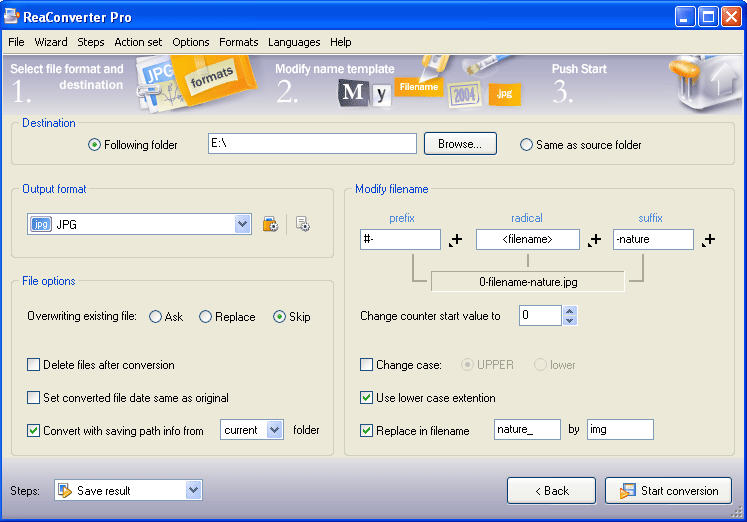
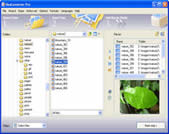 For the "Power-User", we recommend using this image converter. As well as providing every conceivable format an image
professional may encounter, this specialist application provides a command line utility, allowing the user to process
images in console mode. And of course, we've added all the most useful features found in our standard product, such as
image editing and the most efficient batch process in any software of this type!
For the "Power-User", we recommend using this image converter. As well as providing every conceivable format an image
professional may encounter, this specialist application provides a command line utility, allowing the user to process
images in console mode. And of course, we've added all the most useful features found in our standard product, such as
image editing and the most efficient batch process in any software of this type!
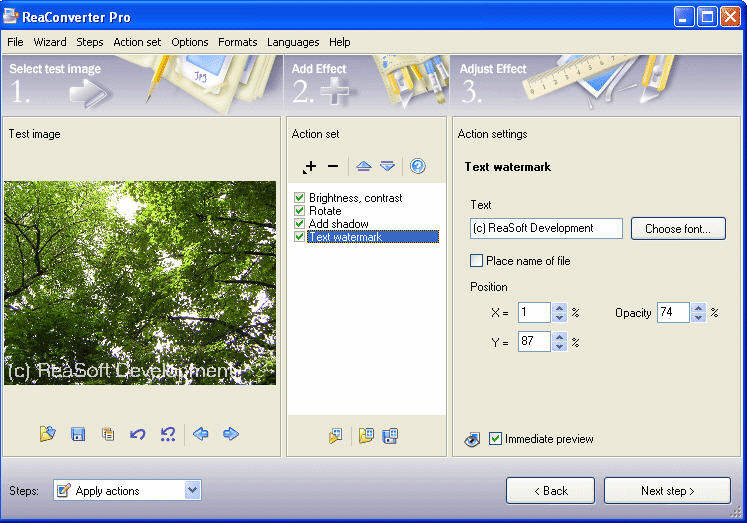
To combine the batch conversion with image editing - Just choose an image editing action, set parameters and add a
command to your script. Before adding an image-editing command to the script you may apply it to the test image. Also,
you can test the script or any action on a test image. Every script can be saved and loaded if needed.
ReaConverter Pro also bears our famous ReaSoft.com trademark - it's fast!
| Software Information |
System Requirements |
| Version: | 5.5 |
- Windows 8/7/XP/Vista
- 512 MB RAM,
- Pentium 90Mhz processor.
|
| File Size: |
29.7 MB |
| License: | Free to try, $ 99.00 to buy |
| Screenshot: | View Screenshot |
| Rating : |  |
Key Features of ReaConverter Pro :
- Multiple image conversions
- Batch image processing
- Red eye remover wizard
- RGB curves wizard
- CCITT Compression
- Right click image conversion
- Scheduled image processing
- Command line image processing
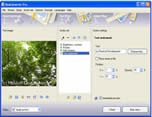
| More Screenshots - Click each image to enlarge! |
 |
 |
RELATED SOFTWARE DOWNLOADS FOR REACONVERTER PRO
- Image Converter .EXE
a fast and flexible image conversion program, which allows support for converting to over 15 formats.
- PDF To Image Converter - Convert PDF to Images
PDF To Image Converter can directly convert PDF files to dozens of image formats, such as TIF, TIFF, JPG, GIF, PNG, BMP, EMF, PCX, TGA and so on
- DWG to Image Converter
Can use it to convert DWG to Image, DXF to Image, DWF to Image file without AutoCAD.
- AP PDF to Image Converter
It is a useful pdf tool, the converter produces fully functional IMAGE documents with text, pictures, graphics etc.
- Image Converter and Resizer
Can be used to quickly convert and resize images in all popular formats such as: BMP, JPG, GIF, TIFF and PNG.
- PICStation for Mac OS / Windows version
It is all in one Picture viewer, editor, converter, thumbnail creator.
- AutoImager
is a full-featured batch image converter and editor software application.
- Batch Image Converter
is designed to convert batches of graphic files from one format to another.
- T3D 2D to 3D Image Converter
takes an 2D image into a 3D image, including anaglyph, interlaced, side-by-side, and cross-eyed..
- Htm2Pic
is a windows desktop program that mainly helps you take snapshots of web pages from any URL into any popular image format.
|
|





 BestShareware.net. All rights reserved.